
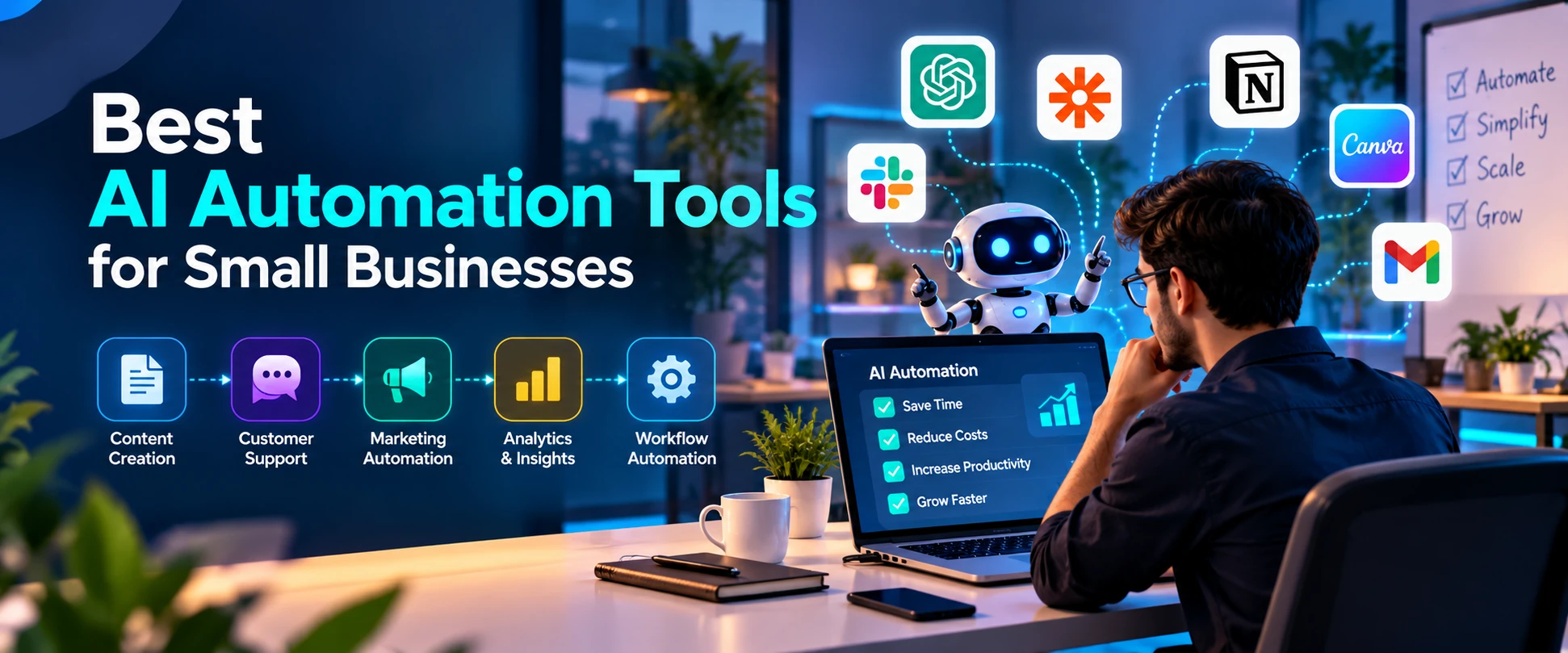
AI automation is no longer limited to companies with large technology teams.
Small businesses can now automate repetitive work without building complex software from scratch. Tasks such as drafting emails, organizing leads, summarizing documents, connecting applications and handling routine customer questions can increasingly be supported by AI.
The important part is choosing a tool based on the problem you need to solve rather than simply adopting every new AI product.
Here are ten types of platforms and tools worth exploring in 2026.
1. ChatGPT
ChatGPT can support research, brainstorming, content creation, document analysis and many everyday knowledge-work tasks.
Businesses can use it to create first drafts, summarize information, structure ideas and assist with repetitive written work.
Its usefulness depends heavily on the workflow and information provided, so important outputs should still be reviewed.
2. Microsoft Copilot
For businesses already working inside Microsoft’s ecosystem, Copilot can bring AI assistance closer to everyday productivity workflows.
Microsoft has continued expanding Copilot and its agent capabilities across business applications, with a broader focus on governed AI agents and enterprise workflows.
3. Google Gemini
Gemini is particularly relevant to businesses working heavily with Google’s ecosystem.
Google has increasingly incorporated agentic capabilities into its AI strategy, including systems designed to complete multi-step tasks rather than simply provide responses.
4. Zapier
Zapier has long been popular for connecting applications.
AI makes workflow automation more flexible because businesses can combine traditional triggers and actions with AI-powered processing.
A workflow might take information submitted through a form, summarize it, classify the enquiry and send it to the appropriate business application.
5. Make
Make is another visual automation platform that can be useful for businesses that want more control over multi-step workflows.
Users can connect applications and build automated processes visually rather than developing every integration manually.
6. Notion AI
For businesses already using Notion for documentation and knowledge management, its AI functionality can help summarize, organize and work with information stored in the workspace.
This can be particularly useful for internal documentation and project-related workflows.
7. HubSpot AI Tools
Businesses using HubSpot can use its AI functionality within marketing, sales and customer-management workflows.
Keeping automation close to existing customer data can be more practical than constantly moving information between disconnected tools.
8. Canva AI
Small businesses often need graphics without having a full-time design team.
Canva’s AI-assisted functionality can help accelerate design ideation, presentations, social content and other visual-production tasks.
Human review remains important for brand consistency.
9. Grammarly
AI-assisted writing tools such as Grammarly can help businesses improve routine communication.
They can be particularly useful for teams producing emails, proposals, documentation and customer-facing text regularly.
10. Google Workspace Studio
Google Workspace Studio is particularly interesting because it brings agentic workflow automation into familiar Workspace applications.
Google describes the product as allowing users to create AI-powered flows through natural-language instructions without requiring coding.
That represents a broader trend: automation tools are becoming easier for non-technical users to configure.
How to Choose the Right AI Automation Tool
Don’t start with the longest feature list.
Start with a repetitive problem.
Ask:
- What task consumes unnecessary time?
- How often does it happen?
- Which applications contain the required information?
- Does the task involve sensitive data?
- Does a human need to approve the final action?
- Can you measure whether automation actually saves time?
A five-minute task performed once per month probably doesn’t need a complicated automation.
A ten-minute task repeated 50 times every week might.
Avoid Building an AI Tool Collection
One common mistake is subscribing to too many overlapping AI products.
A business might pay for five platforms that all summarize documents, generate text and answer questions.
Instead, create a small technology stack around actual workflows.
For example:
Communication → CRM → Automation Platform → AI Assistant → Reporting
The exact combination depends on the business.
Start Small
Choose one predictable workflow first.
Measure how much time it takes manually. Automate part of it. Test the results. Keep a human checkpoint where mistakes could create problems.
Only expand the workflow after it becomes reliable.
This approach is less exciting than connecting 20 applications on day one, but it is usually much more useful.
Final Thoughts
The best AI automation tool isn’t necessarily the newest platform.
It is the tool that removes a genuine bottleneck without creating unnecessary complexity.
For small businesses in 2026, AI automation offers an opportunity to handle repetitive work more efficiently. But the biggest benefits come when automation supports a clear process rather than becoming another piece of software employees need to manage.
FAQs
What is AI automation?
AI automation combines artificial intelligence with automated workflows to help process information, make limited decisions or complete repetitive tasks.
Can small businesses use AI automation?
Yes. Many modern platforms provide no-code or low-code automation options.
Do AI automation tools replace employees?
They can automate particular tasks, but many useful workflows still depend on human judgment, approval and customer interaction.